
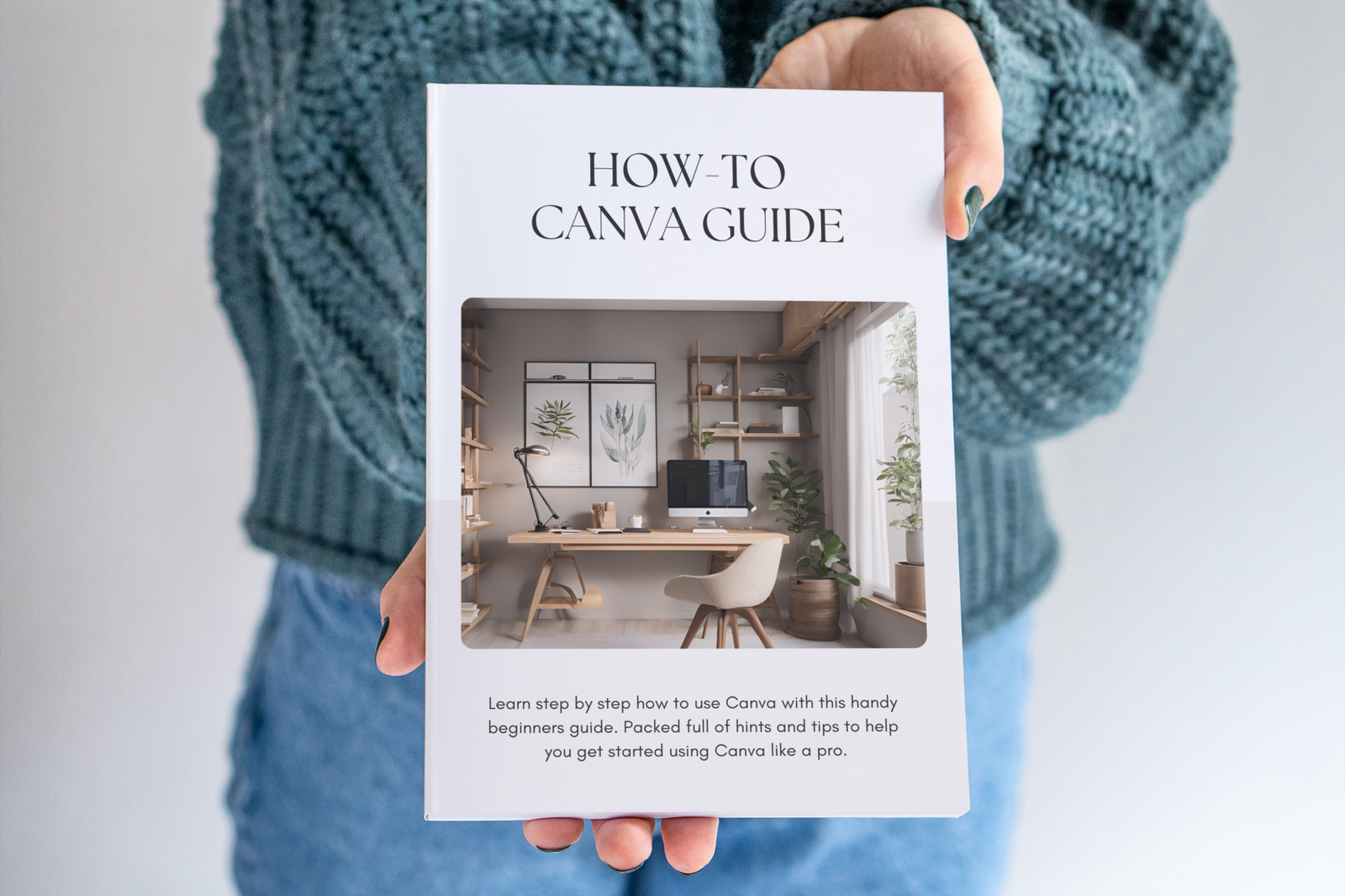
The How-To Canva Guide — Everything You Need to Use Canva Like a Pro!
So You Want to Use Canva — But Where on Earth Do You Start?!
You know Canva exists. Everyone keeps telling you how brilliant it is. Maybe you’ve even opened it once or twice, stared at the screen and then quietly closed the tab again hoping nobody noticed! Sound familiar?! 😄 Whether you’re completely new to Canva or you’ve been muddling through on your own for a while and know there must be a better way — this guide was made for you!
What is the How-To Canva Guide?
The How-To Canva Guide is a comprehensive 45-page PDF tutorial that takes you from complete beginner to genuinely confident Canva user — at your own pace, in your own time and without needing any prior design experience whatsoever!
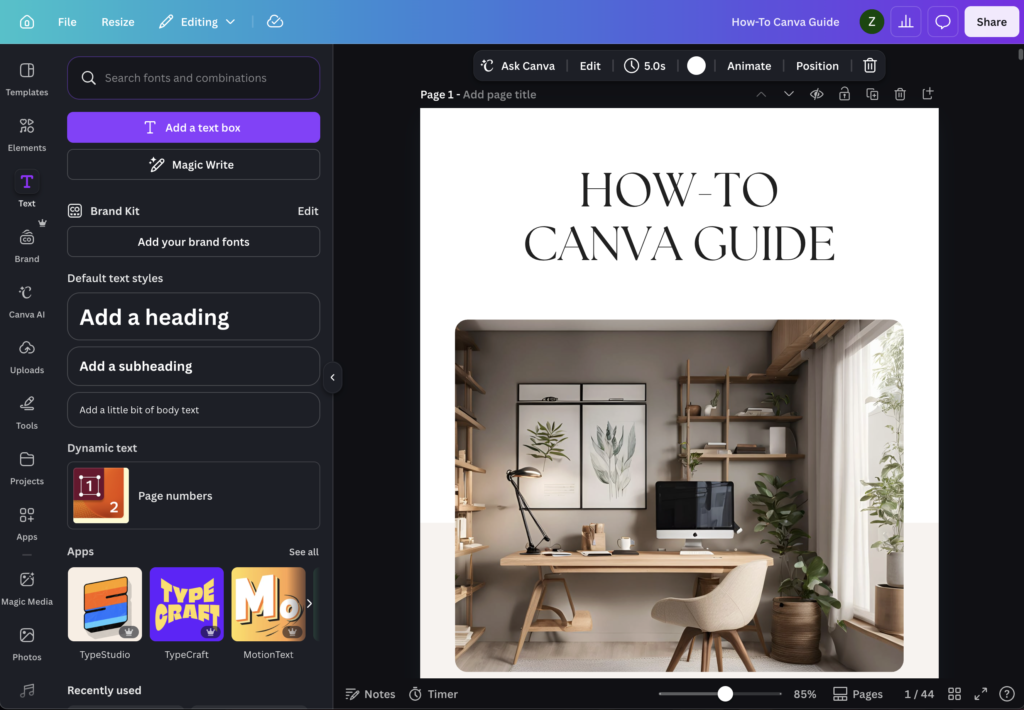
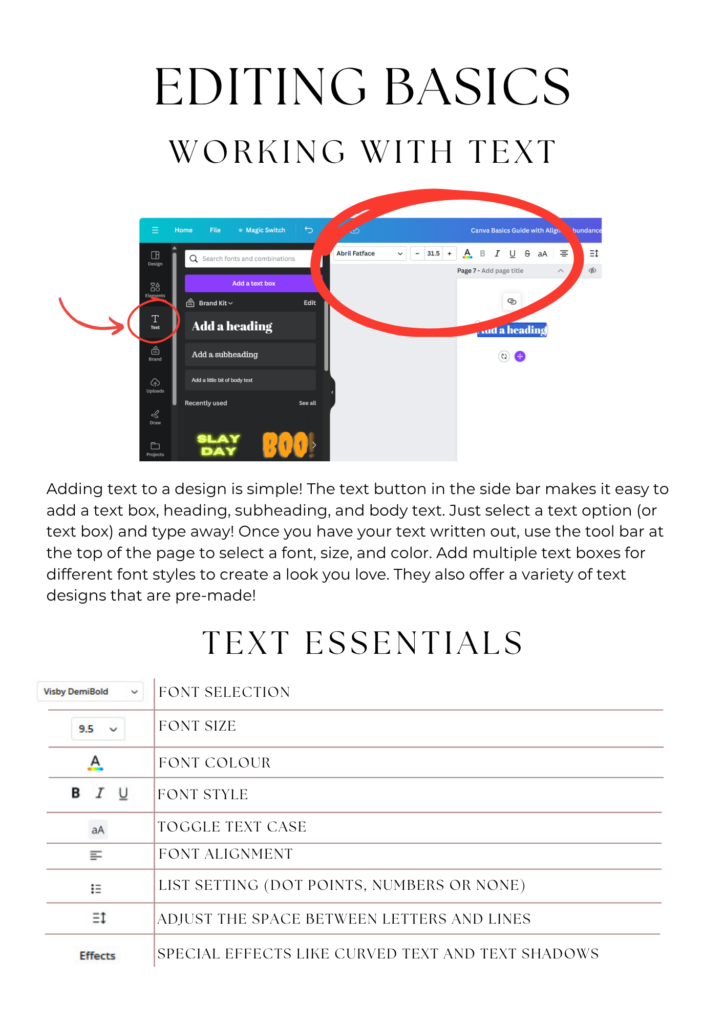
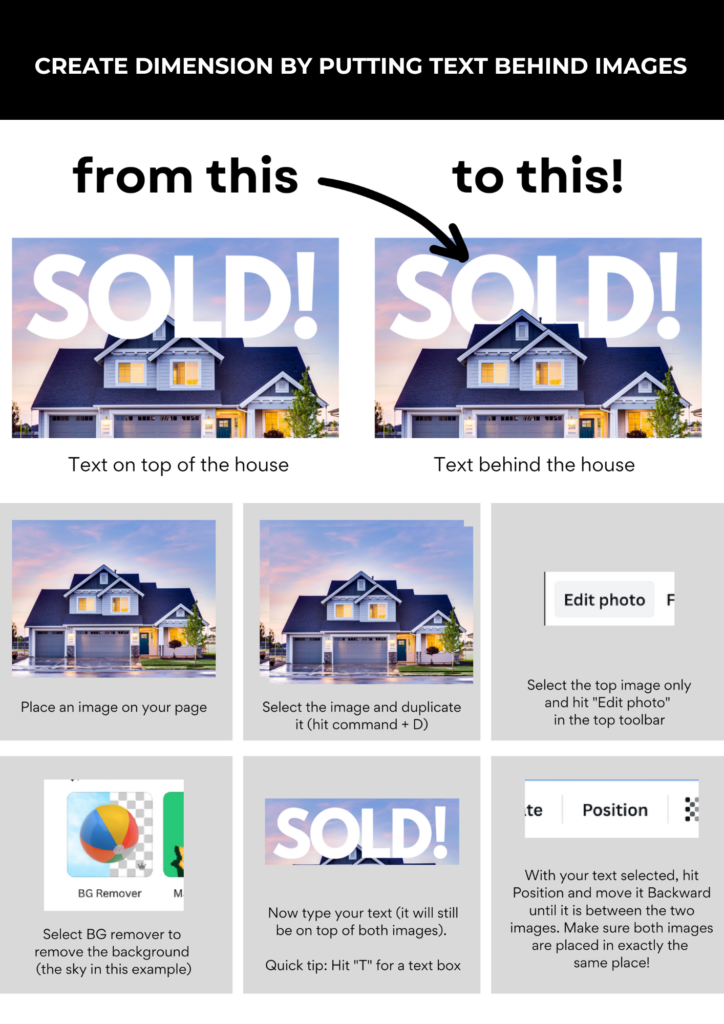
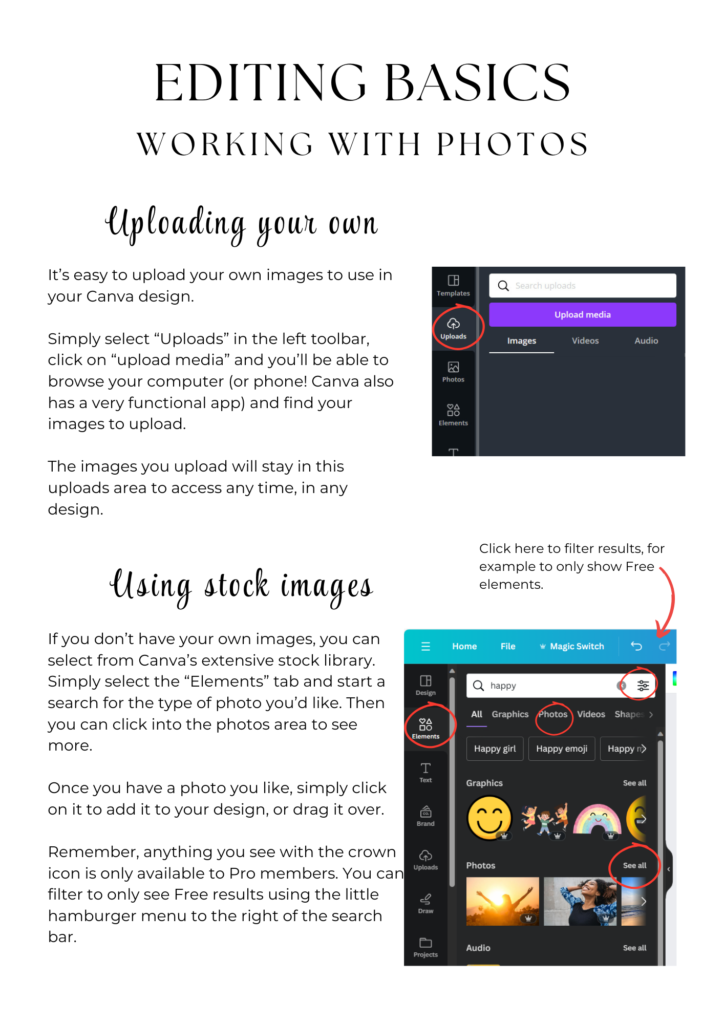
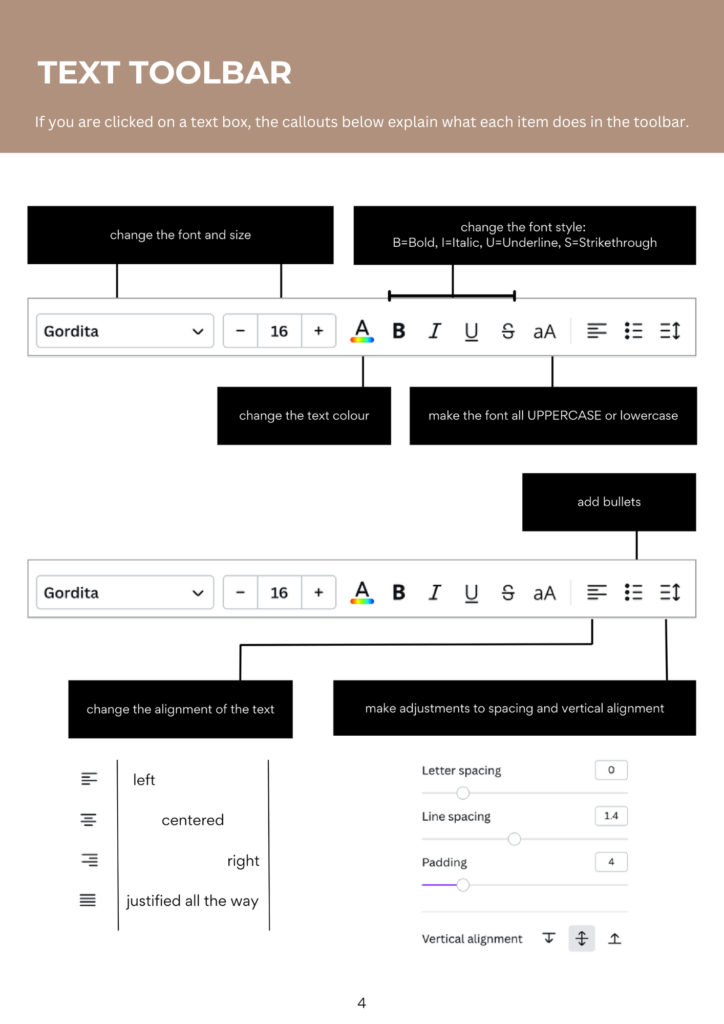
This isn’t a quick five-minute overview that leaves you more confused than when you started. It’s a proper, thorough, beautifully presented guide packed with clear screenshots, step-by-step instructions and insider tips that make learning Canva genuinely enjoyable!
And the best bit? Everything in this guide works with the completely FREE version of Canva — no Pro subscription needed to get started!
Let’s Talk About How Ridiculously Easy This Is
Here’s the thing about Canva — it’s genuinely one of the most user-friendly design tools ever created. But like anything new, it helps enormously to have someone walk you through it properly rather than just clicking around hoping for the best!
Click, Read, Design. Done.
Once you purchase, you’ll receive a PDF with a link to download your guide from Google Drive. Click it and your 45-page guide downloads instantly — ready to read on any device or print out if you prefer to work from a physical copy!
What’s Inside Your 45-Page Guide?
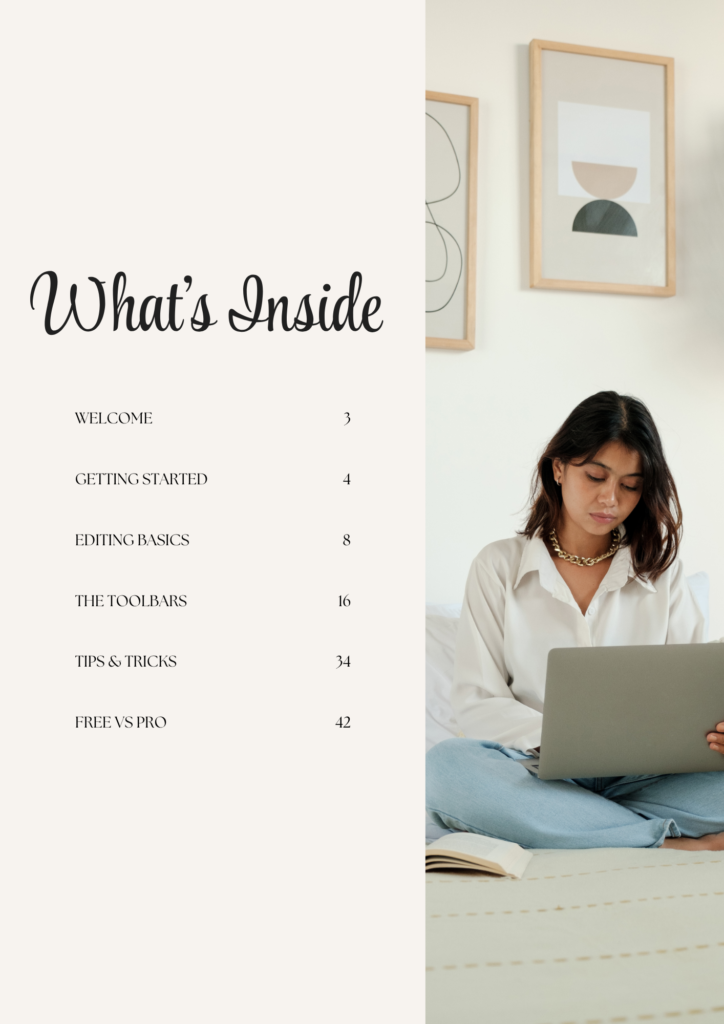
The How-To Canva Guide is divided into six comprehensive sections — each one building on the last so you never feel lost or out of your depth!
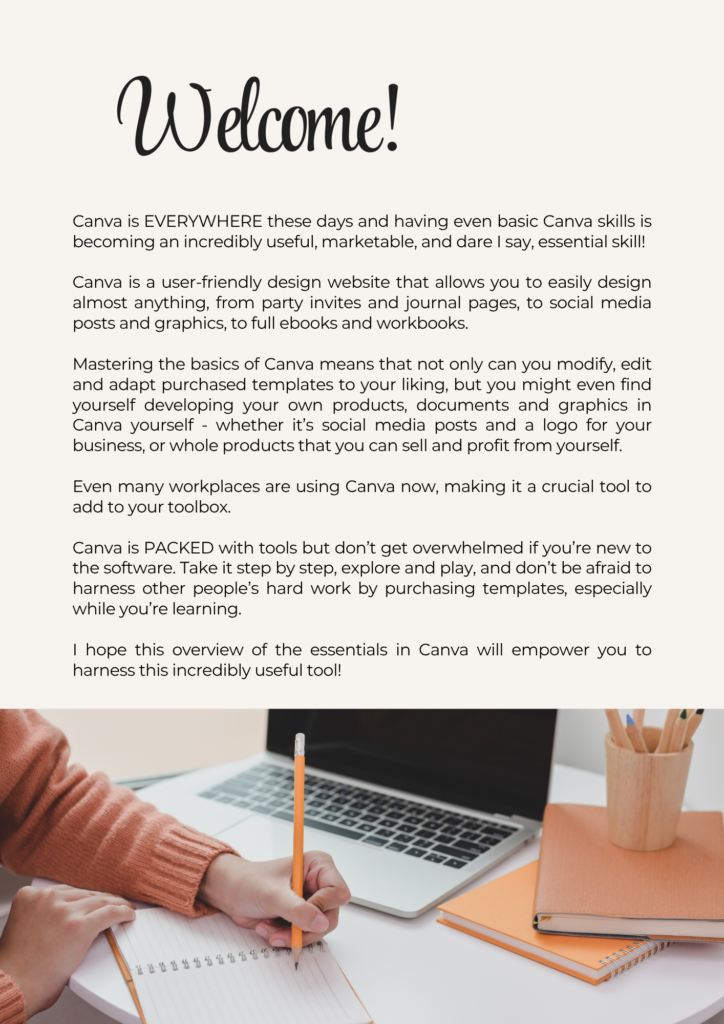
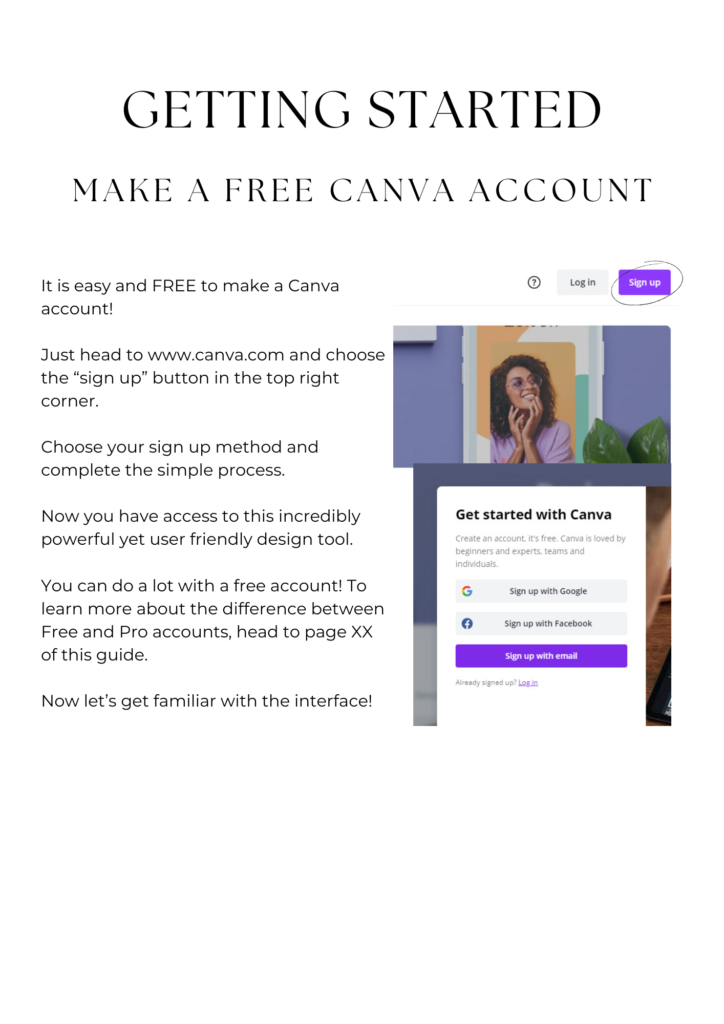
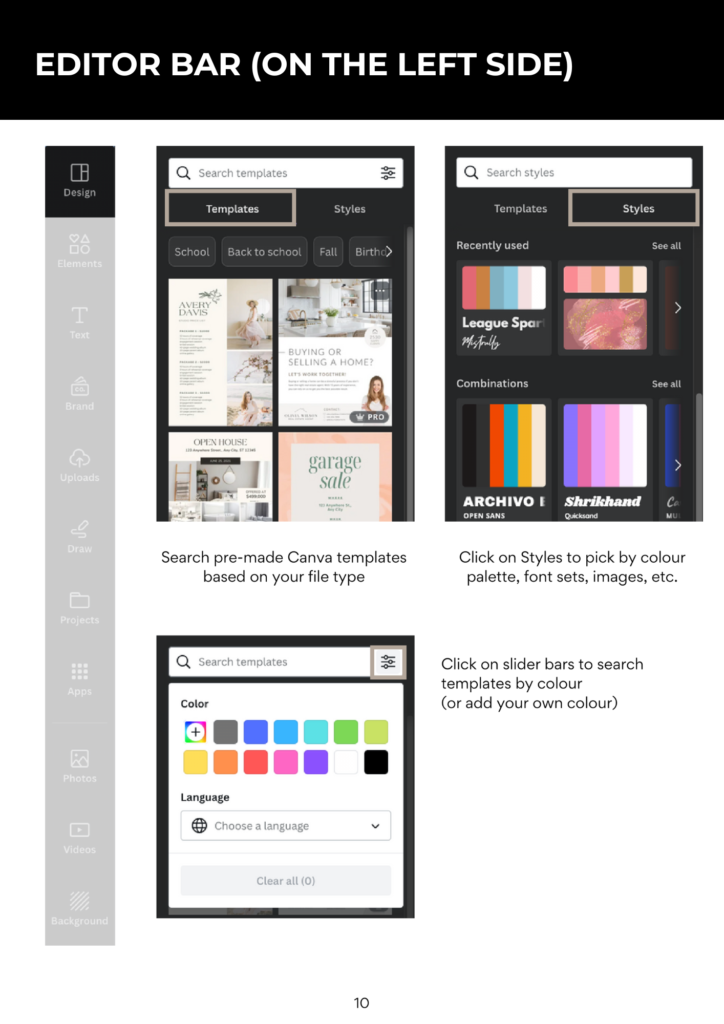
Getting Started Set up your free Canva account and get completely comfortable with the interface from day one. Where everything lives, how to navigate around and how to find what you need without hunting through endless menus!
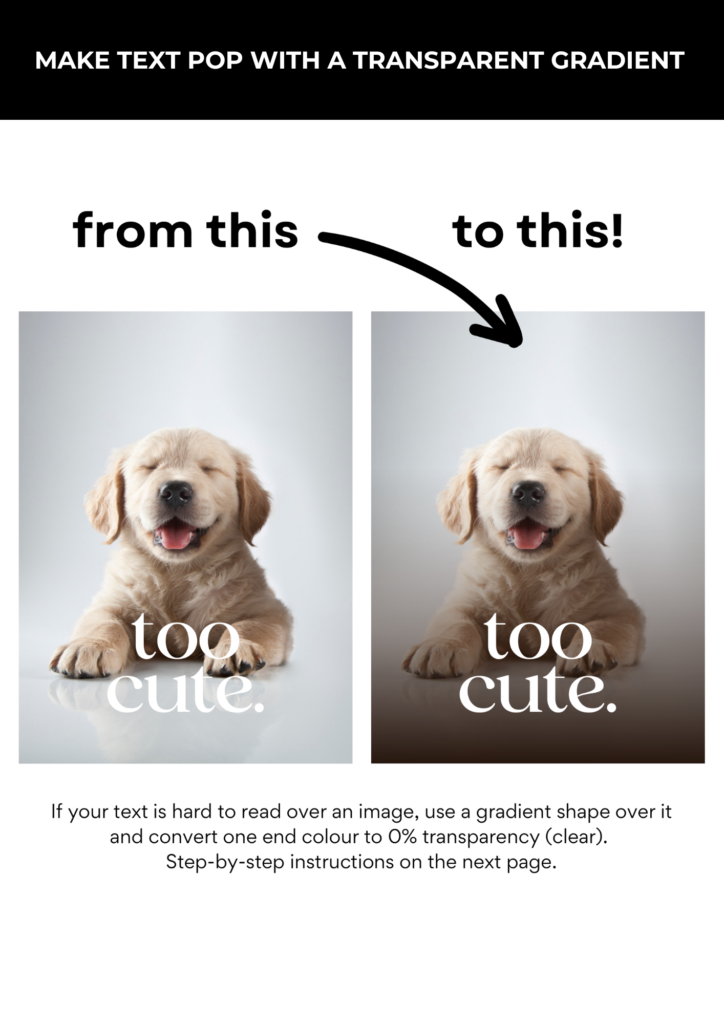
Editing Basics This is where things get really fun! Master working with text, colours, photos, frames, grids and transparency — the essential building blocks of everything you’ll ever create in Canva!
The Toolbars A detailed, friendly breakdown of every single toolbar — text, shapes, graphics, photos and more. No more hovering over buttons wondering what they do!
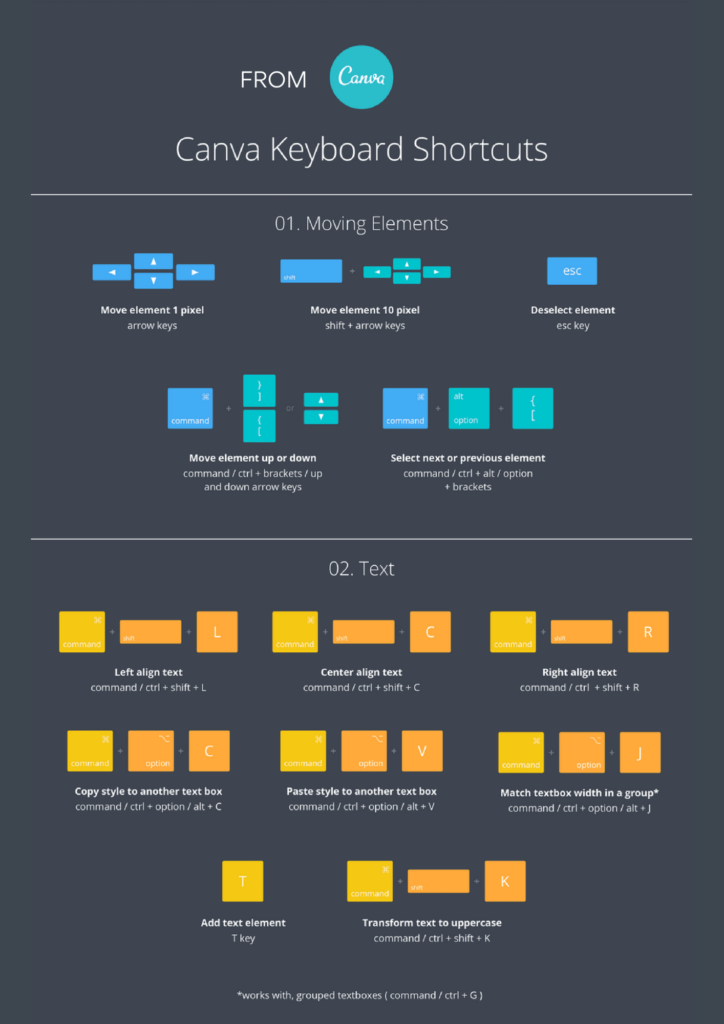
Tips & Tricks The good stuff!! Professional techniques, time-saving keyboard shortcuts and design secrets that make your work faster and your designs look genuinely polished and professional!
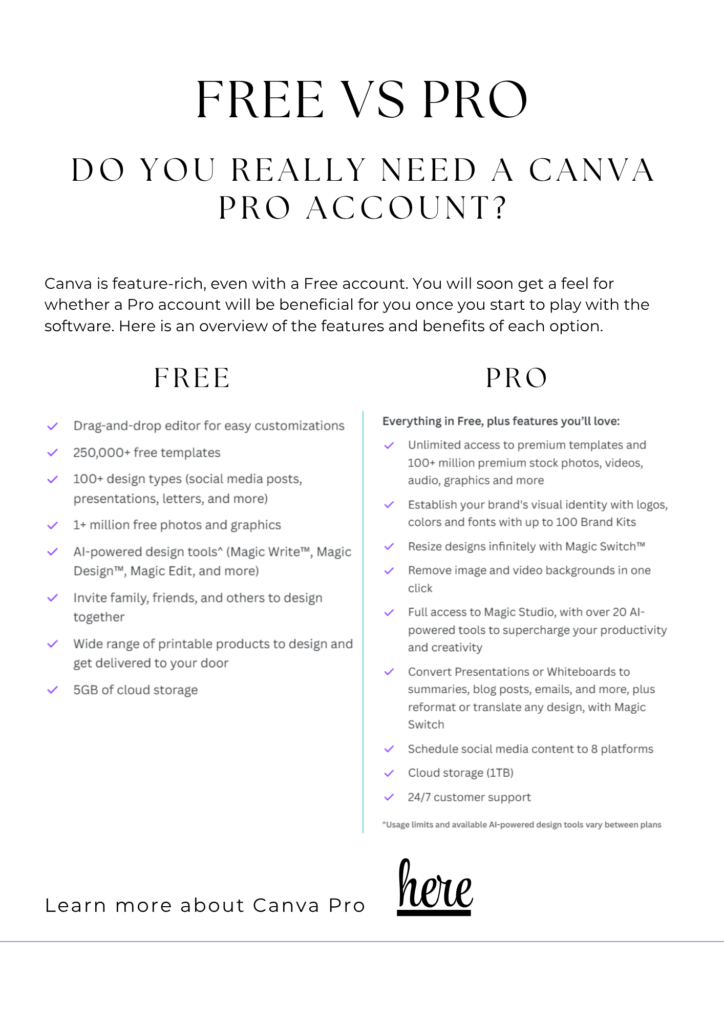
Free vs Pro Should you upgrade? This section gives you an honest, clear breakdown of exactly what you get on the free account versus Pro — so you can make a properly informed decision rather than just guessing!
Who is This Guide Perfect For?
Honestly? Anyone who uses or wants to use Canva — but especially:
- 🎨 Complete beginners who have never opened Canva before and want to start properly from the beginning
- 🛍️ Etsy sellers wanting to create stunning product listings, mockups and shop graphics
- 💼 Small business owners designing their own brand materials, social posts and marketing content
- 📱 Social media managers creating beautiful graphics quickly and efficiently
- ✉️ Anyone who has bought a Canva template and wants to actually get the most from it
- 📚 Bloggers and content creators who need professional-looking visuals without the professional price tag!
The Practical Bit!
It’s a PDF — What Does That Mean?
The How-To Canva Guide is delivered as a downloadable PDF — which means no waiting, no shipping and no faff! Here’s exactly how it works:
- Purchase the guide on Etsy or in the Graffinx shop
- You’ll receive a PDF containing a link to Google Drive
- Click the link and your 45-page guide downloads instantly
- Read it on your computer, tablet or phone — or print it out!
- Yours to keep forever and refer back to whenever you need it!
A Few Useful Details:
- 45 pages of comprehensive, clearly written content
- Packed with annotated screenshots throughout
- Bonus keyboard shortcuts reference included
- Works on ALL devices — Mac, PC, tablet and phone
- Print-friendly if you prefer a physical copy
- Works with the FREE version of Canva — no paid subscription needed!
Top Tips for Getting the Most From Your Guide
Want to get up to speed as quickly as possible? Here are my insider tips:
- Read it with Canva open — follow along in real time as you read each section. Learning by doing is always faster than reading alone!
- Don’t try to read it all at once — work through one section at a time and practice before moving on
- Print the keyboard shortcuts page — stick it next to your computer for instant reference while you work!
- Bookmark the Tips & Tricks section — you’ll want to come back to this one again and again!
- Start with something real — pick an actual project you want to create and use the guide to help you build it. Nothing beats learning with a real purpose!
The Bottom Line
Canva is genuinely one of the most powerful free tools available to small business owners, creators and entrepreneurs right now — but only if you actually know how to use it properly! So many people use just a tiny fraction of what Canva can do simply because nobody ever showed them the rest!
The How-To Canva Guide changes that. Forty-five pages of clear, friendly, genuinely useful instruction that takes you from “where do I even start?” to confidently creating beautiful designs — all for less than the price of a couple of coffees!
Once you know how to use Canva properly, everything gets easier — your Etsy listings look better, your social posts look more professional, your brand materials look more polished. It genuinely is one of those investments that pays for itself almost immediately!