

How-To Canva Guide PDF
£8.50
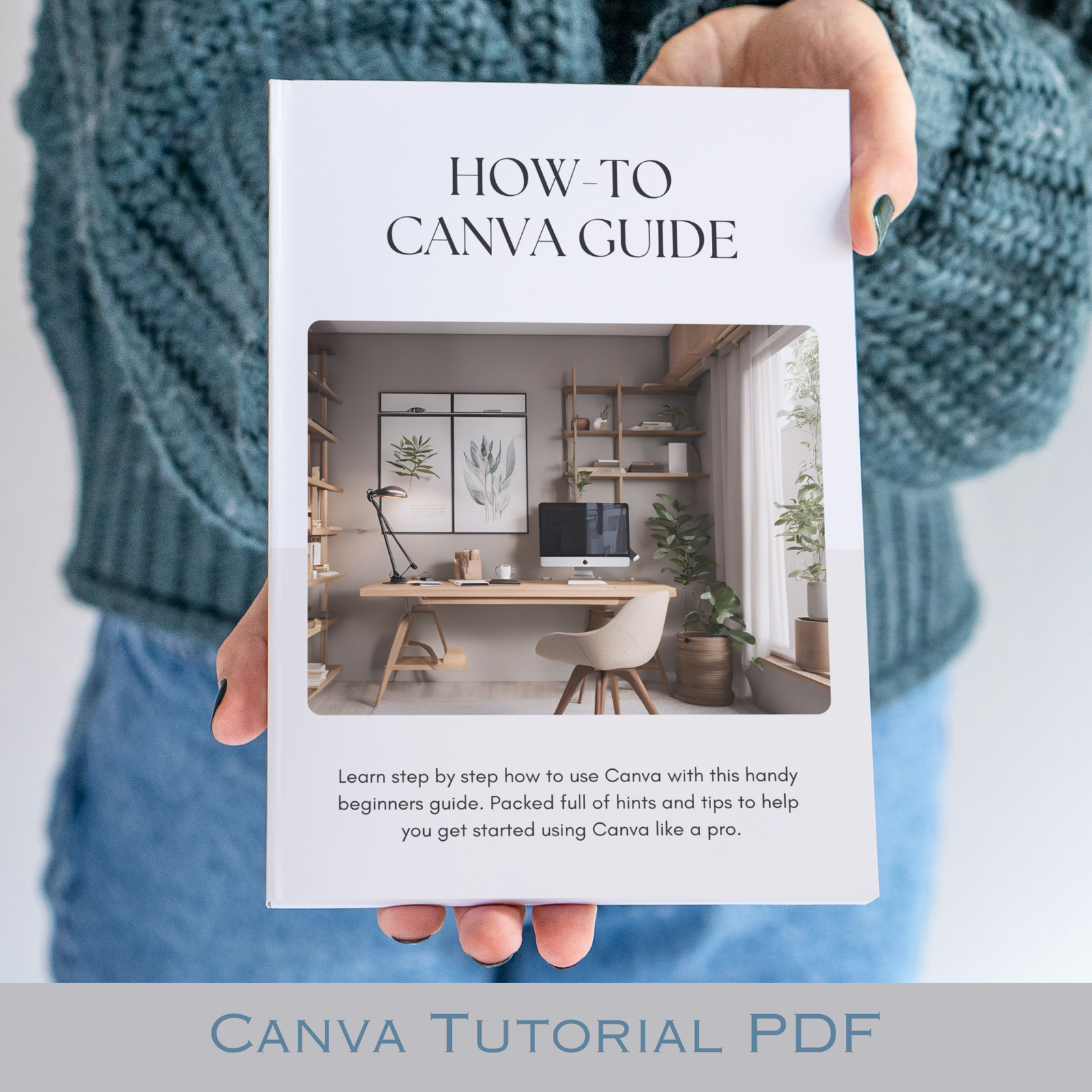
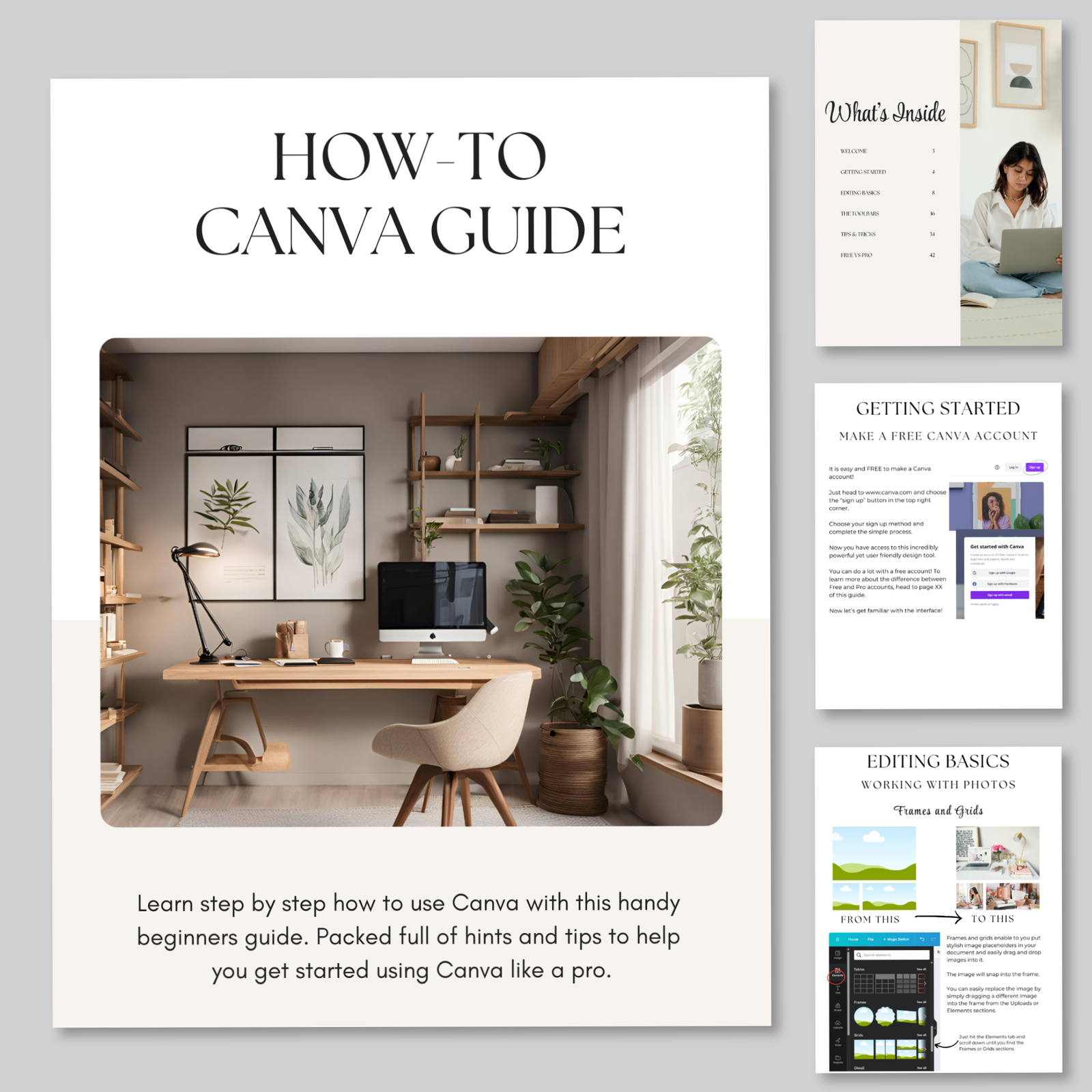
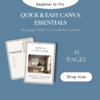
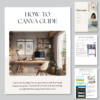
Everything you need to go from Canva-curious to genuinely confident — in one beautifully clear, 45-page PDF guide. Whether you’ve just bought your first template or you’ve been muddling through on your own for months, this step-by-step guide covers everything from the basics right through to the tips and tricks the pros use. Download it, keep it forever, and start designing with confidence today.
Description
You know that moment when you’ve bought a gorgeous Canva template and you’re staring at it thinking — now what?! Or maybe you’ve been meaning to actually learn Canva for ages, but never quite known where to start?
This is exactly what you need.
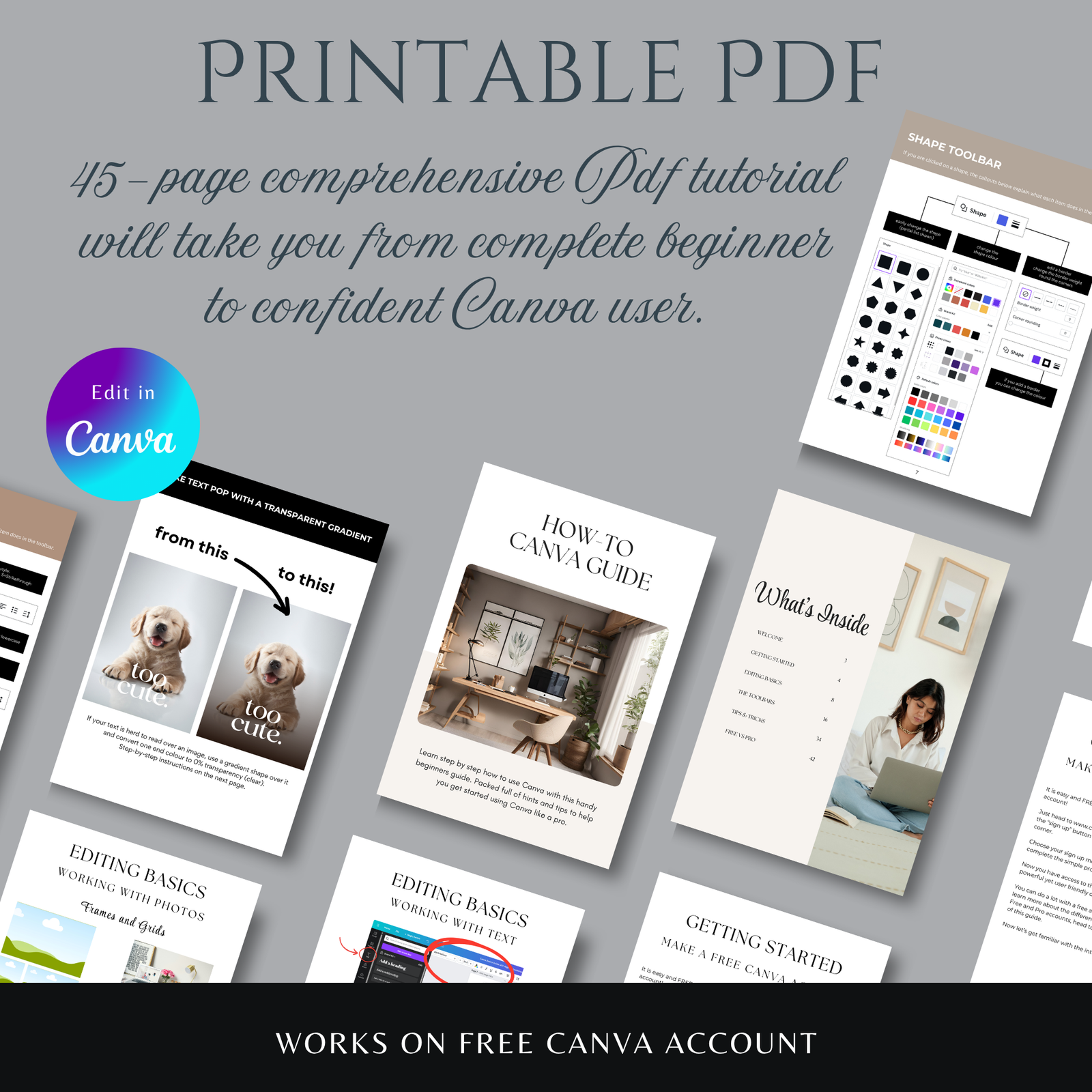
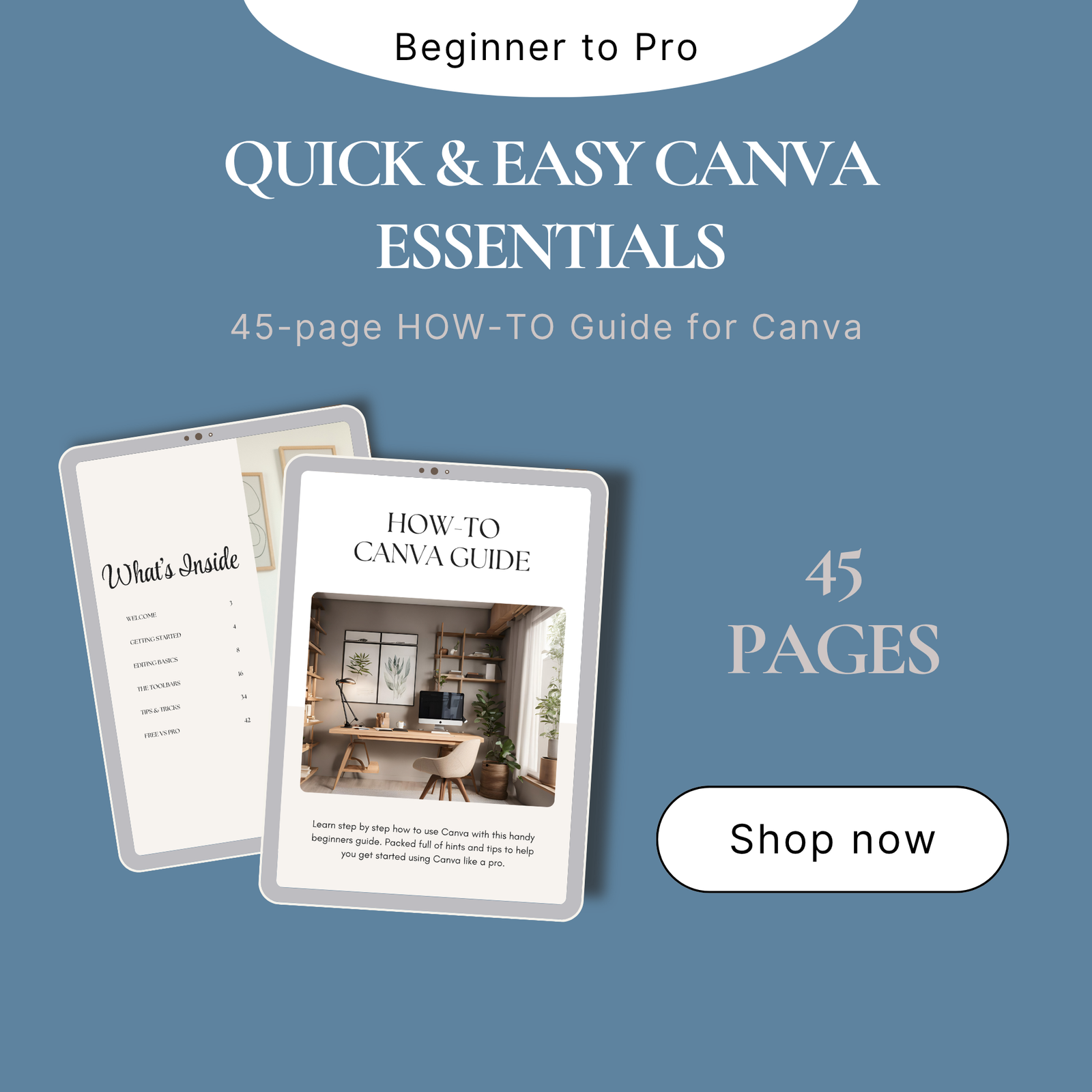
The How-To Canva Guide is a comprehensive 45-page PDF tutorial that takes you from complete beginner to genuinely confident Canva user — at your own pace, in your own time, with no prior experience needed whatsoever.
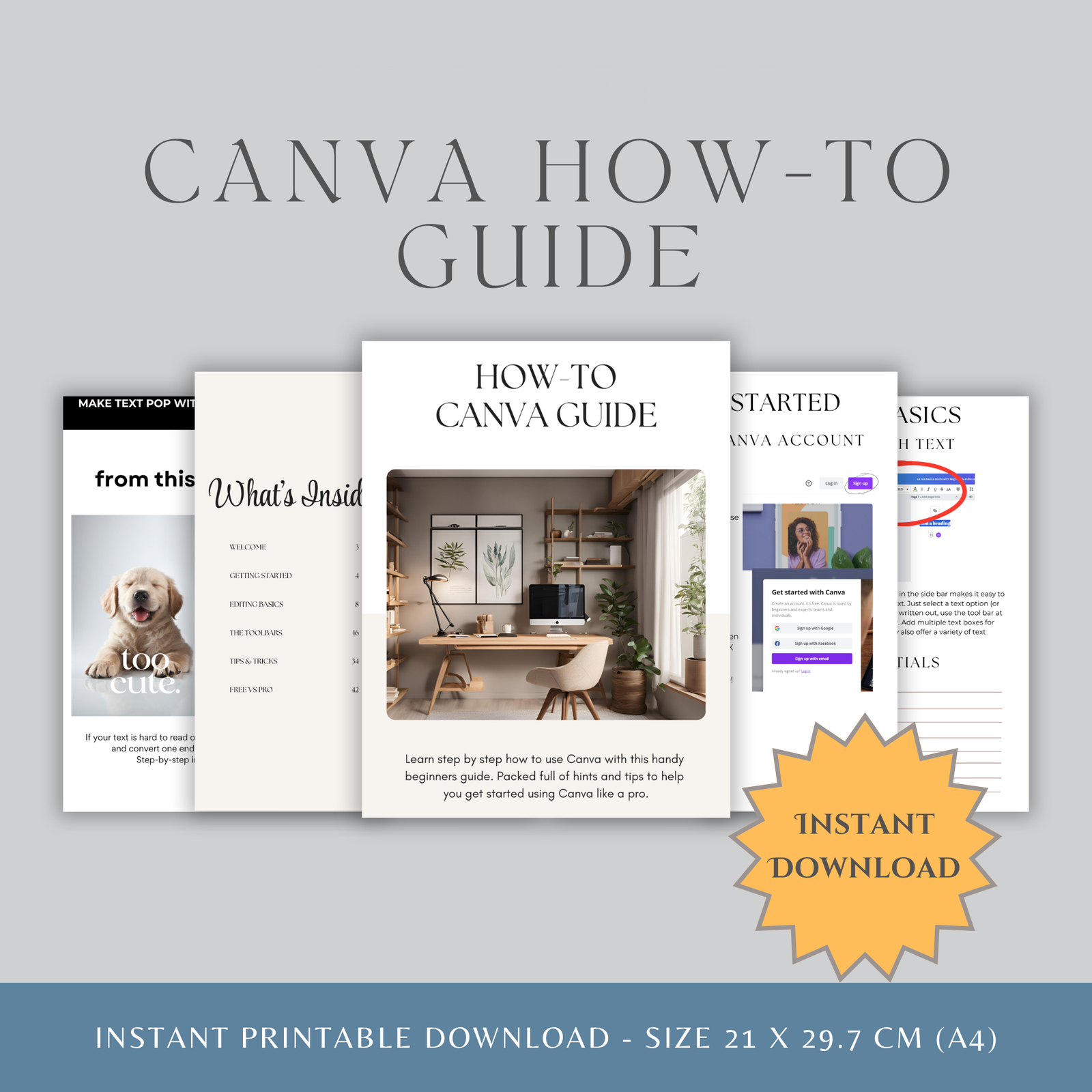
What’s Inside Your 45-Page Guide:
Getting Started — Set up your free Canva account and find your way around the interface with ease. Yes, FREE — no Pro subscription needed to get going!
Editing Basics — Master everything from text and colours to photos, frames, grids and transparency. The building blocks of everything you’ll ever create in Canva!
The Toolbars — A friendly, detailed breakdown of every single toolbar — text, shapes, graphics, photos and more. No more guessing what things do!
Tips & Tricks — The good stuff! Professional techniques, keyboard shortcuts and design secrets that make everything faster and your designs look genuinely polished.
Free vs Pro — Understand exactly what you get on the free account versus Pro, and make an informed decision about whether upgrading is actually worth it for you.
This Guide is Perfect For:
- Anyone who has bought a Canva template and wants to make the most of it
- Etsy sellers creating product listings and mockups
- Small business owners building their own brand materials
- Social media managers designing posts and graphics
- Anyone wanting to create beautiful invitations, workbooks, ebooks and more
- Complete beginners who want to learn at their own pace
What You’ll Actually Learn:
- How to upload and edit templates you’ve already bought
- Canva text, fonts, colours and effects — made simple
- Using stock images and uploading your own photos
- Creating professional-looking designs that don’t look homemade
- Time-saving keyboard shortcuts — Mac included!
- When upgrading to Pro is worth it — and when it really isn’t
This isn’t a basic five-minute overview — it’s a proper, thorough, genuinely useful guide packed with screenshots, step-by-step instructions and insider tips that make learning quick and actually enjoyable.
How It Works:
After purchase you will receive a download link by email. Click the link, download your 45-page PDF and you’re ready to go — no waiting, no shipping, start learning within minutes!
File Details:
- 45-page comprehensive PDF guide
- Clear visual instructions with annotated screenshots throughout
- Bonus keyboard shortcuts reference included
- PDF format — works on all devices
- Print-friendly if you prefer to work from a physical copy
- Yours to keep forever and reference whenever you need it
Please note: This is a digital download. No physical item will be shipped. Due to the nature of digital products, all sales are final.
Only logged in customers who have purchased this product may leave a review.
Reviews
There are no reviews yet.